Published 18 October 2026 · Updated 18 October 2026 · Editorial guidance · Photography used for illustration
A work tote has to carry more than an attractive silhouette. A laptop, charger, notebook, lunch and small essentials can make a bag behave differently from the empty version displayed online.
In this guide
Start with the contents of your work bag
A work tote has to carry more than an attractive silhouette. A laptop, charger, notebook, lunch and small essentials can make a bag behave differently from the empty version displayed online.
Compare structure with usable space
List everything you actually transport and measure the largest item, including its sleeve. Choose a bag that fits this load without requiring you to stack fragile items under lunch containers. Consider a structured tote if you want easier organization and a softer style if it needs to fold away. A separate pouch can supply small-item organization without demanding a pocket for every object.
Test the handles with a realistic load
Test the handles over your usual coat and lift the bag with a realistic load. Check whether the top opening remains usable when the laptop is inside and whether the base feels stable.
When a backpack is worth comparing in practice
Make a simple contents map instead of counting pockets in a listing. The laptop needs a suitable place, the charger should not press against delicate items, and anything that might leak needs its own sensible containment. Keys and travel cards are used more often than a spare notebook, so put them within easier reach. A rigid base can make a bag feel orderly, but test whether that same shape fits under the chair or in the storage space you normally use. If the laptop must be protected by a separate sleeve, include its full dimensions in every comparison. A nominal screen-size claim is not a packing test.
Details worth inspecting
Read dimensions, strap measurements, closure details and cleaning guidance. An internal laptop pocket is useful only if it fits the device you own and does not consume all remaining space.
Choose the useful compromise
A roomy tote offers flexibility but makes overpacking easy. A zipped top helps keep contents contained, while a wide open top can make frequently used items quicker to reach.
Keep the shopping list focused
Skip decorative hardware that adds weight without serving your routine. Do not pay for a laptop compartment until its dimensions have been confirmed against your own device.
Before the next wear
Draw the bag's stated base dimensions on paper and compare them with your current bag. Decide where keys, travel card and a drink container will sit before purchasing.
When a backpack is worth comparing
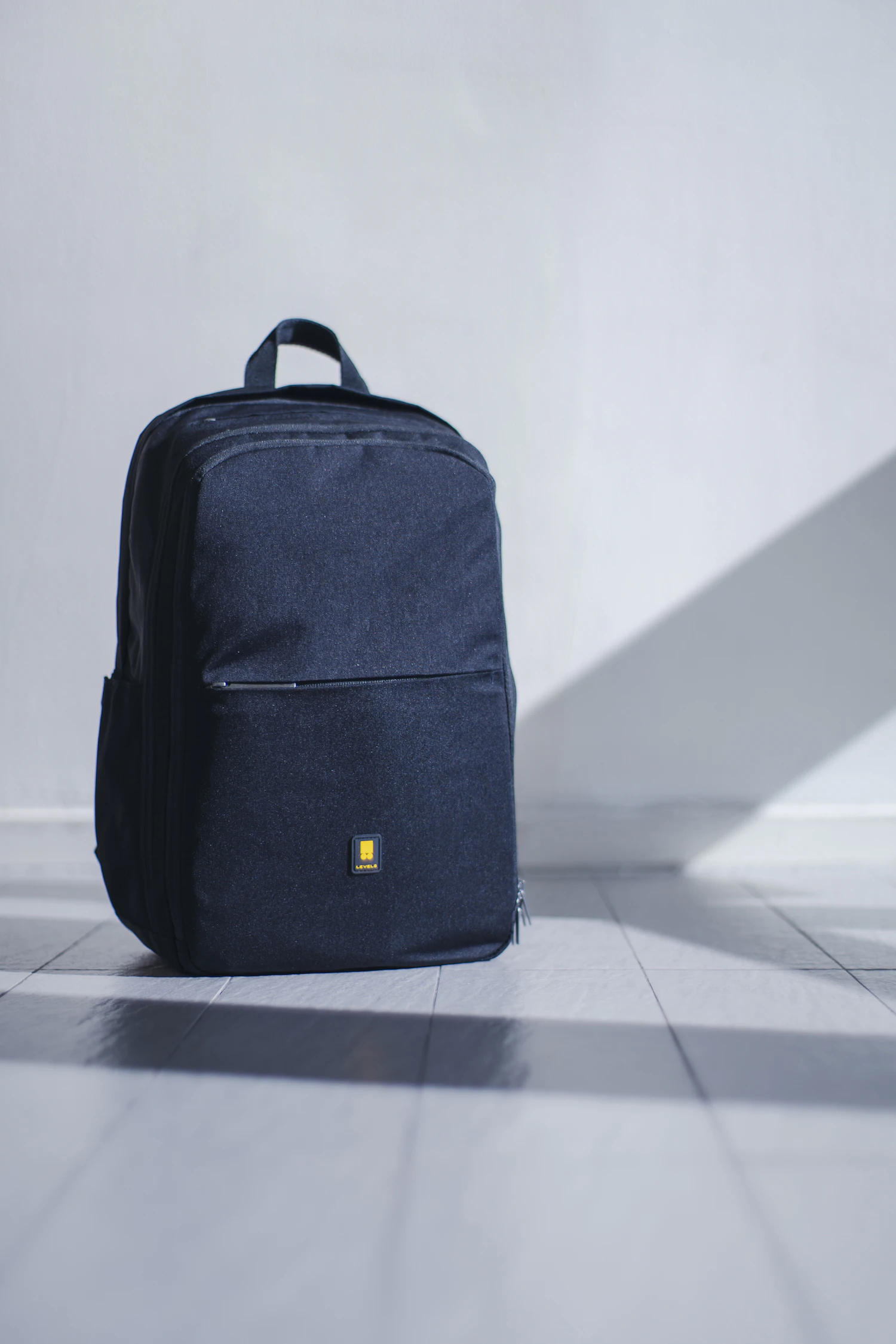
A tote is not automatically the best answer just because the clothes are polished. If your load is substantial or you walk a long way, compare a suitable backpack with the same realistic contents. Judge both on access, usable space and whether you find them comfortable for your route. A tote may make it quicker to retrieve a notebook at a meeting, while another bag style may keep your hands freer during the journey. Neither choice should be decided by an empty product photograph. Check your office storage as well: a very wide tote can be awkward beside a narrow desk even when it looks proportionate on the shoulder. Choose the carrying format before comparing decorative finishes, because a beautiful surface will not change an inconvenient daily shape.