Published 18 October 2026 · Updated 18 October 2026 · Editorial guidance · Photography used for illustration
A video call may show only your upper half, but the day still includes sitting, household tasks and perhaps an errand. A complete comfortable outfit avoids making the camera setup the only consideration.
In this guide
Dress for the call and the hours around it
A video call may show only your upper half, but the day still includes sitting, household tasks and perhaps an errand. A complete comfortable outfit avoids making the camera setup the only consideration.
A camera-ready top with an everyday base
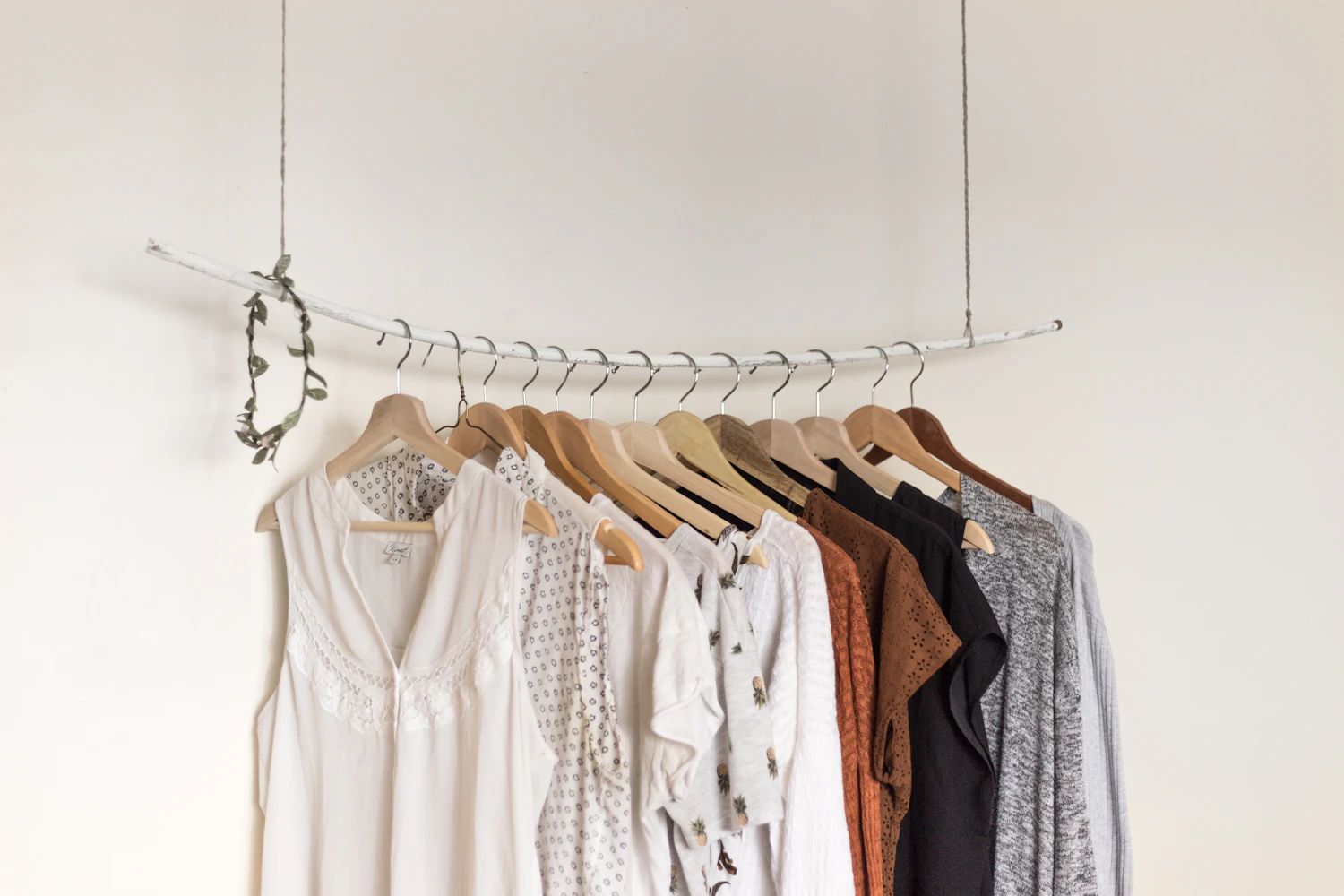
Start with a top that feels comfortable at the desk and reads clearly in your own lighting. Pair it with an everyday bottom you can wear beyond the room, then keep a layer nearby. A plain shirt or fine knit can offer a clear outline without elaborate accessories. A cardigan adds flexibility for changing temperature and can be removed without rearranging the entire outfit.
Check your actual desk setup
Sit at your actual desk and check the neckline, shoulder seams and sleeves on camera. Move your arms as you would while typing to see whether fabric catches or pulls.
A purchase worth making only once in practice
Use a brief camera preview instead of dressing for an imagined screen. The chair, camera height and light determine how a neckline or pattern appears, so test the actual setup. Avoid arranging the top in a way that only works while holding perfectly still. If you use a headset, check earrings and collars before the meeting starts. A comfortable complete outfit also means you can stand up naturally or leave for an errand afterwards. For several calls with different levels of formality, an accessible layer can provide flexibility. Keep the adjustment straightforward enough that it does not become another technical task immediately before joining.
Details worth inspecting
Look at the texture through the camera rather than assuming a pattern will appear the same as it does in a mirror. Check opacity in daylight and comfort over a normal working session.
Choose the useful compromise
A formal jacket can make sense for a particular meeting but feel restrictive for the rest of the day. A simple structured cardigan may offer a more usable compromise for casual workplaces.
Keep the shopping list focused
Skip buying a top that only works from one camera angle. Choose something you would also wear for a normal errand or coffee after work.
Before the next wear
Test your outfit with the actual chair, lighting and camera. Keep a quick extra layer within reach and select simple accessories that do not repeatedly hit your desk or headset.
A purchase worth making only once
If most work calls are remote, identify the real shortcoming before buying several camera-friendly tops. It may be a neckline that needs adjusting, sleeves that bother you while typing or a color you simply do not enjoy in your lighting. One reliable top can provide a reference for future choices. Compare its shoulder fit and length with candidates, then check that the replacement is equally useful away from the desk. Be wary of statement collars or sleeves if they interfere with headphones or reach. For a more formal call, an existing jacket may do enough without another specialist purchase. The useful item serves your working day as a whole; it should not become a garment kept nearby only to put on for a few minutes.